


Manual de utilizare
Planning Center
Planning Center Online este un serviciu utilizat de biserici pentru a organiza echipe și a programa evenimente. Acest lucru funcționează excelent pentru organizațiile mai mari în care sincronizarea mai multor servicii și resurse este importantă.
OnSong se integrează cu Planning Center permițând dvs. să răsfoiți tipurile și dosarele serviciilor și să selectați un plan pentru a importa. Puteți importa și cântecele individuale.
Autentificare
Înainte de a putea utiliza importul Planning Center Online, va trebui să vă autentificați în serviciu. Asigurați-vă că faceți acest lucru mai întâi înainte de a continua.
Importare cântece și conținut multimedia
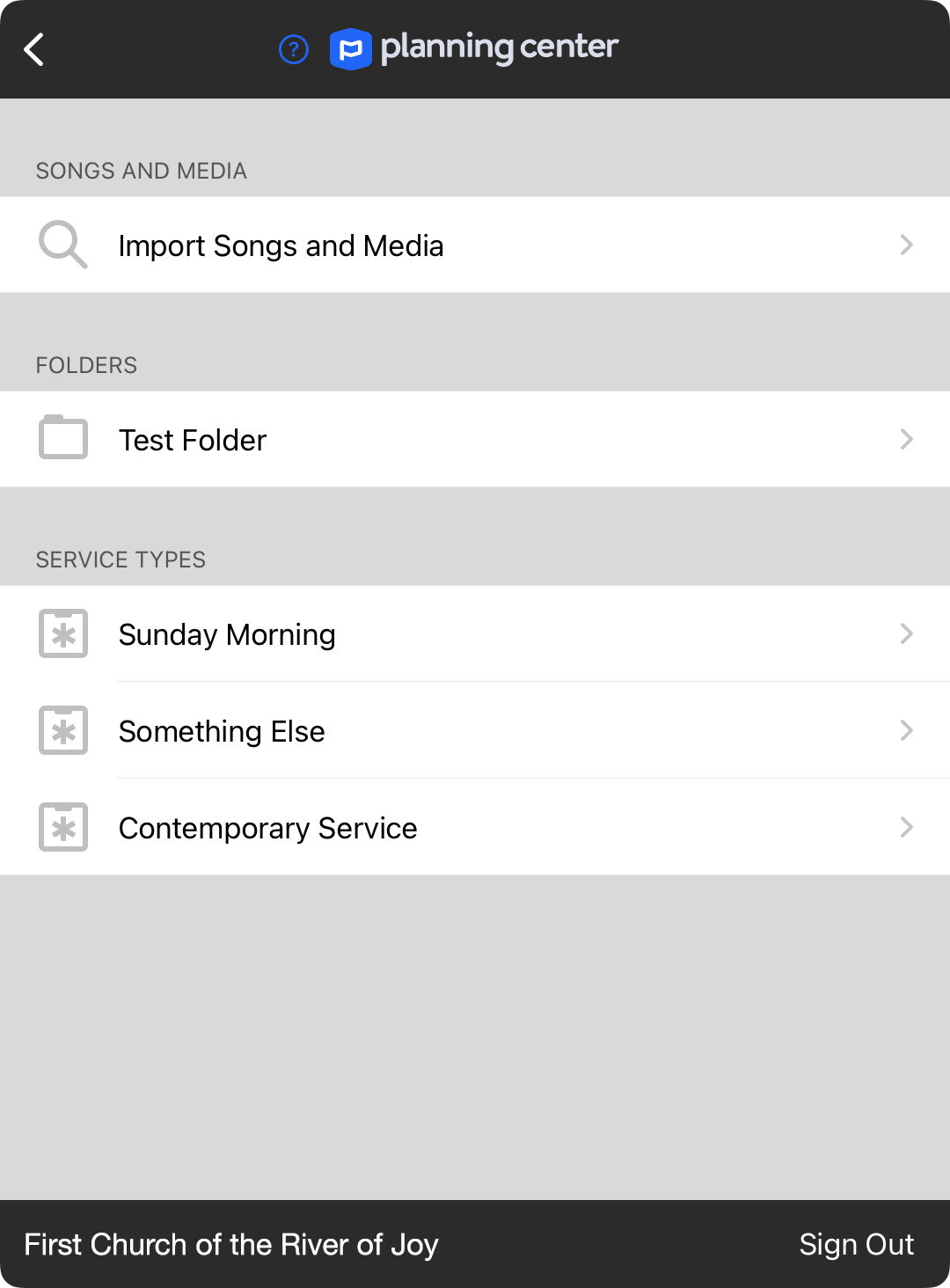
În partea de sus a ecranului se află opțiunea de importare a cântecelor și a conținutului multimedia. Aceasta vă va permite să răsfoiți cântecele și conținutul multimedia din biblioteca Planning Center pentru a importa.
Dosare
Tipurile de servicii pot fi organizate în dosare. Puteți alege un dosar listat aici pentru a vizualiza tipurile de servicii suplimentare.
Tipuri de servicii
Alegeți un tip de serviciu pentru a lista planuri de acel tip pentru a vizualiza.
Deautentificare
Partea de jos a ecranului afișează organizația sub care sunteți autentificat, precum și un buton Deautentificare. Atingeți butonul Deautentificare dacă trebuie să vă autentificați ca alt utilizator. Deoarece Planning Center nu acceptă accesul la mai multe organizații în API-ul său, va trebui să vă autentificați separat dacă gestionați mai multe organizații.


